BurpSuite is a powerful tool for web penetration testing. It can be a very useful tool for both pentesters and web developers. Now after installing Burpsuite on Ubuntu, there are two ways to run the browser.
- FoxyProxy
- Burpsuite Browser
In recent installation on Ubuntu, opening the in built browser in Burpsuite, will not work or open although it is a sandbox chrome browser. The reason is Ubuntu hardened their security making this approach not to work out of the box. The version of Ubuntu I am using is 24.04

How do you fix this issue without making your system vulnerable.
Find the location of default Burpsuite chrome browser
find ~ -type f -name "chrome-sandbox"
# alternatively just chrome
find ~ -type f -name "chrome"


Create a new profile on apparmor to run it.
Navigate to /etc/apparmor.d/burpbrowser. You can use
sudo nano /etc/apparmor.d/burpbrowser
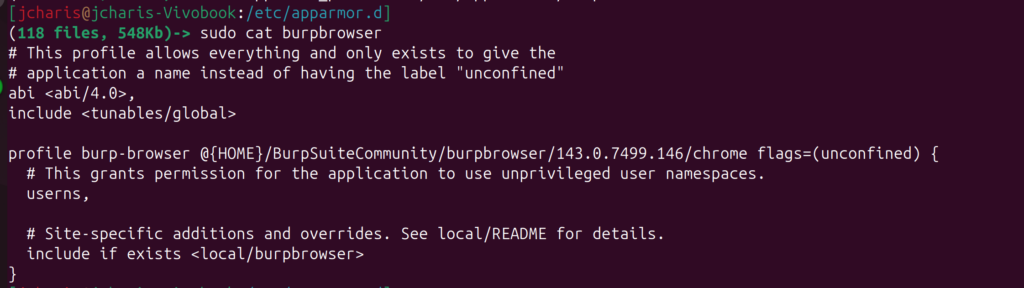
Inside the profile replace it with the location to your burpsuite chrome browser path as below.
# This profile allows everything and only exists to give the
# application a name instead of having the label "unconfined"
abi <abi/4.0>,
include <tunables/global>

profile burp-browser @{HOME}/BurpSuiteCommunity/burpbrowser/*/chrome flags=(unconfined) {
  # This grants permission for the application to use unprivileged user namespaces.
  userns,

  # Site-specific additions and overrides. See local/README for details.
  include if exists <local/burpbrowser>
}
Then save this file and load the profile
sudo apparmor_parser -r /etc/apparmor.d/burpbrowser
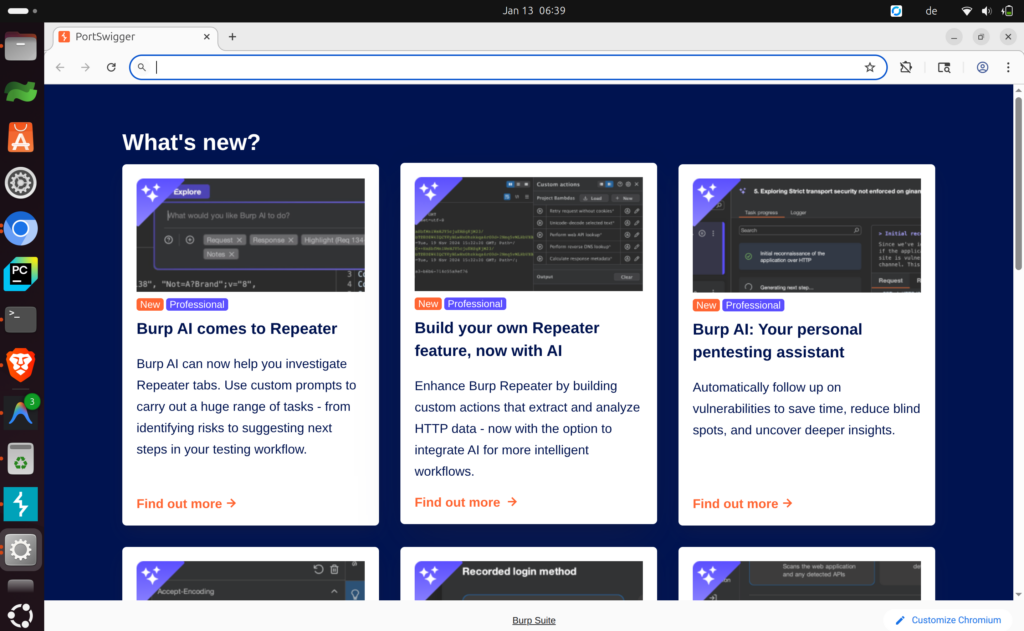
You can now run BurpSuite and go to Proxy and open browser

Voila
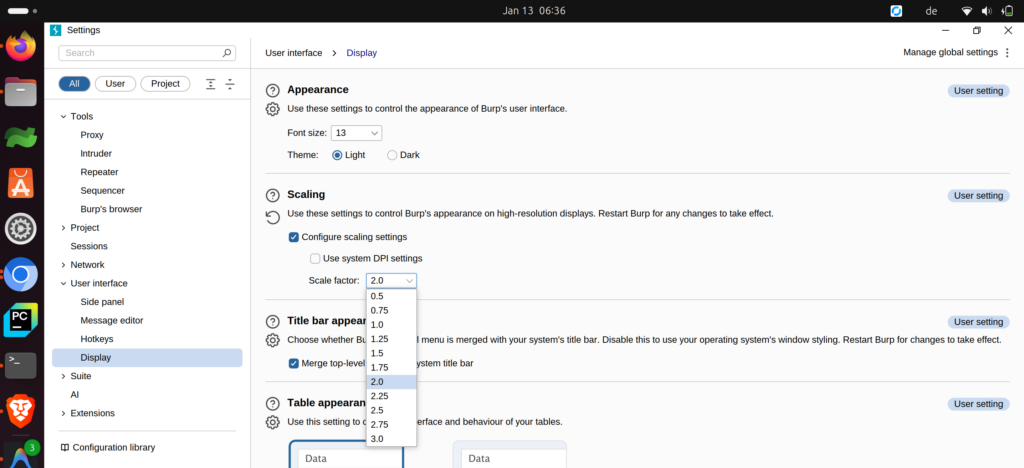
Quick note, in case your Burpsuite looks smaller, it is because of Java High Resolution for the Display. You can adjust it on you system by going to Settings -> User interface -> Display -> Scaling -> Configure scaling settings.
You can now choose your scale eg 2.0x .
Thanks for your attention
Jesus Saves
By Jesse E.Agbe(JCharis)